Customers
Get to know the four reports that describe your buyers, their loyalty and their subscriptions, and pick the one that answers your question.
The reports in this section look at your store from the side of the people who buy. The Revenue report tells you how much you sold. The customer reports tell you who bought, how much each person is worth to you and whether they come back.
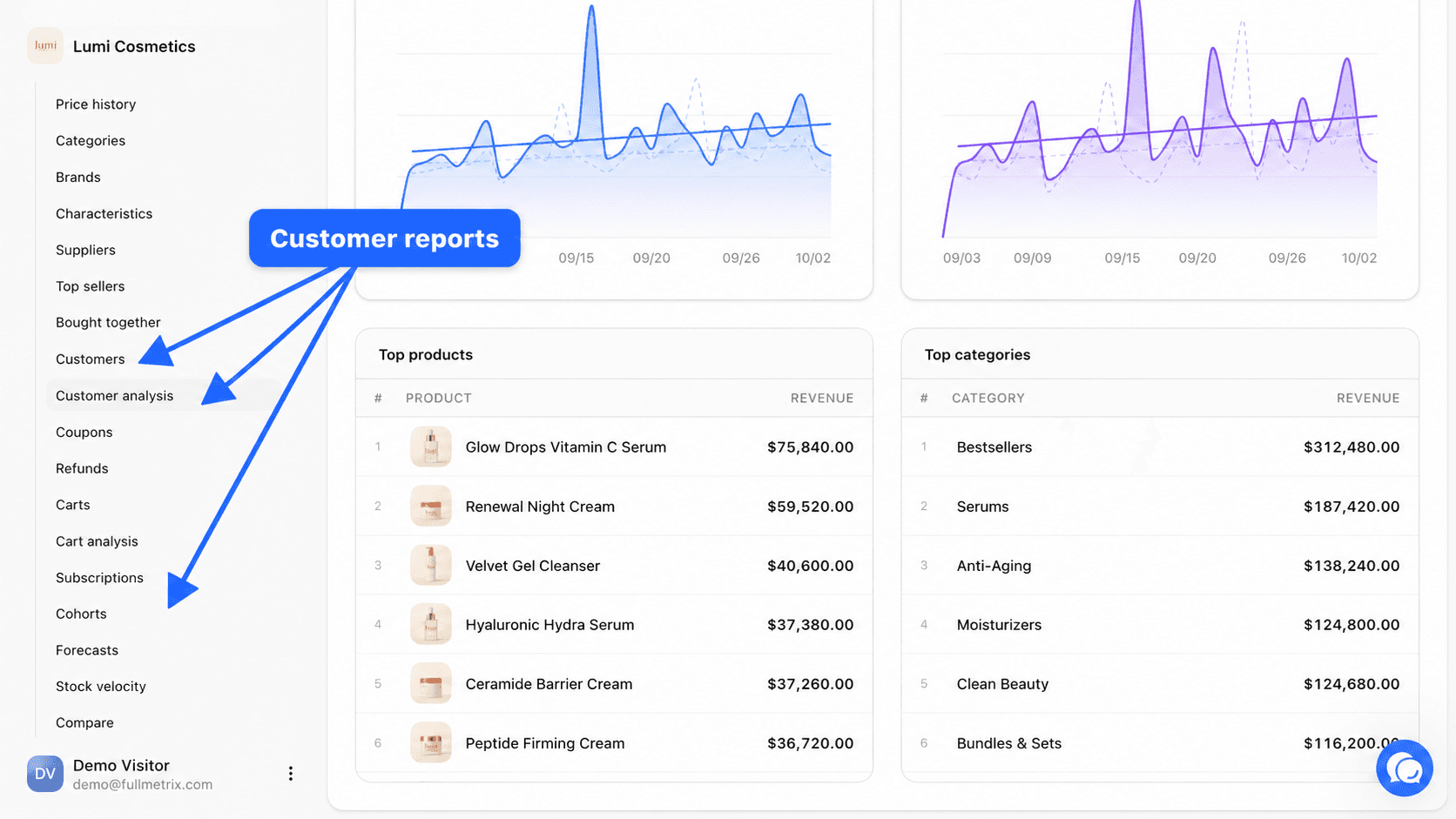
You find them in the sidebar, in the Data group, under E-commerce. Customers, Customer analysis and Cohorts are always visible once a store is connected. Subscriptions only appears if your store has synced subscriptions.
Before you start
You need a connected store and a finished first sync. If that is not done yet, follow the quickstart. While the import is running, the pages show Syncing and refresh on their own.
Fullmetrix recognizes a customer by their email address. Two orders placed with the same address belong to the same customer, even when they come from two different stores of the same organization. An order without an email address cannot be tied to anyone. It shows up on its own in the customer list and is left out of the customer analysis and the cohorts.
The figures in these reports follow your organization's calculation rules, set in Settings, Reports tab. Excluded order statuses, ignored customers and net sales deductions (taxes, shipping, fees, refunds) apply everywhere. Read Report settings to see what each option changes.
Which report to open
| Your question | The report to open |
|---|---|
| Who are my best customers, and what is in a given customer's record | Customers |
| Which first product, country or account type brings in the most valuable customers | Customer analysis |
| Do my new customers come back, and how long does it take | Cohorts |
| How many subscriptions are active, on hold or cancelled, and when is the next payment due | Subscriptions |
Customers
The list of all your buyers, sorted by amount spent, with a detail page for each customer.
Customer analysis
Customers active in a period, grouped by first product ordered, customer group, account type and country.
Cohorts
How loyal your customers are, month after month, based on the month of their first order.
Subscriptions
The subscriptions of your WooCommerce store, with their status, plan and next payment.
Going further
Your store's customers are also contacts. The All contacts page gathers every contact in your organization, buyers or not, and segments let you save a group of customers to reuse it in reports or send it to an ad platform.
To understand the filter bar, the column picker or the detail pages shared by every report, read Using reports.