Carts
Understand what the Carts section tells you about started, abandoned and converted purchases, and pick the right report.
A cart is what a visitor fills on your store before paying. Many carts never make it to an order. The Carts section shows you these started purchases, the ones that were abandoned and the ones that turned into orders. Use it to measure how many sales slip away, to see which products stay behind in carts and to prepare your follow-ups.
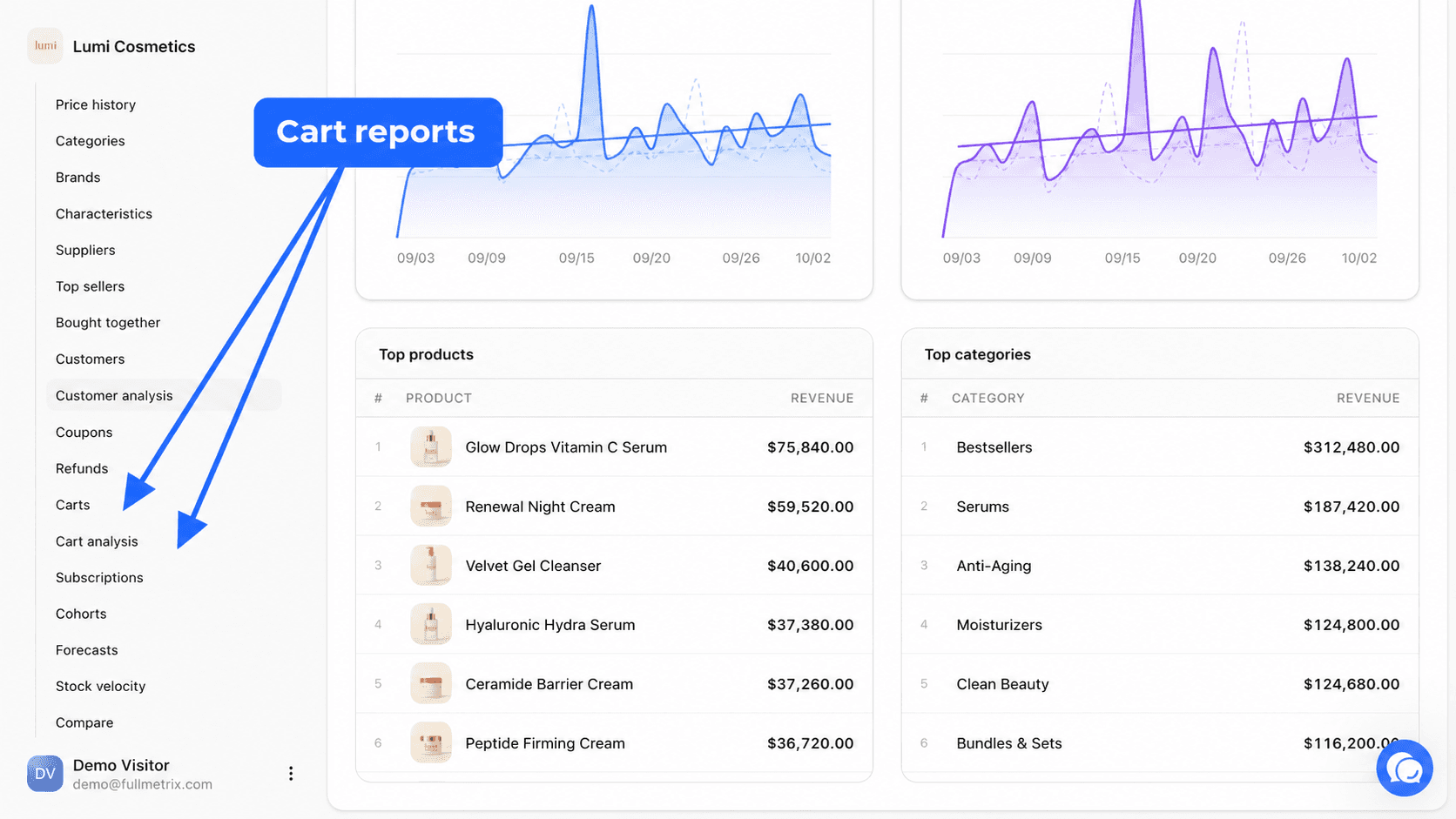
Both reports are in the sidebar, in the Data group, under E-commerce, after Refunds. They are always visible once a store is connected.
The three states of a cart
| State | What it means |
|---|---|
| Open | The visitor added products and the cart changed less than an hour ago. They may still be shopping. |
| Abandoned | The cart was not converted and has not changed for more than an hour, or your store already marked it as abandoned. |
| Placed | The cart became an order. In some screens this state reads Converted. |
The switch from open to abandoned happens on its own, one hour after the cart's last activity.
What you need to connect first
An e-commerce store must be connected and synced. What we see of carts depends on your platform.
| Platform | Carts we receive |
|---|---|
| PrestaShop, WooCommerce, Magento, Sylius | carts created on the store, including those of visitors not yet identified when the platform records them |
| Shopify | checkouts started and then abandoned, meaning visitors who reached the payment step |
A cart with no email and no name shows as Anonymous visitor. To link more carts to a person and see where visitors came from, install site tracking. See Site tracking.
Reports in this section
Carts
The list of every cart with its customer, status and amount, and the detail page of each cart with its purchase journey.
Cart analysis
Abandon and conversion rates, how they change day by day, and the products most added, abandoned and converted.
Which report to start with
Open Cart analysis first to know your abandon rate and see whether it is moving. Then go to Carts to look at abandoned carts one by one, for example the largest amounts of the week.
To follow up on abandoned carts automatically, Fullmetrix uses WhatsApp. See Cart recovery and WhatsApp automations. To watch carts filling up right now, see Live activity.